Ever hosted an amazing party, only to realize a week later that you barely have any photos of it? It happens to the best of us. You were busy making sure everyone was having a good time, and even if you hired a professional photographer, they couldn't possibly be everywhere at once.
All those candid, hilarious, and heartwarming moments—the ones on the dance floor, at the kids' table, or during a quiet conversation—often exist only in memory. Or worse, they're scattered across dozens of your guests' phones, never to be seen again. This is the exact problem a modern shared photo album solves.
Why a Shared Album Is Your Event's Secret Weapon
Forget the old way of doing things. No more chasing people for pictures via text message or scrolling through a chaotic, notification-filled group chat where photos get buried between memes and messages.
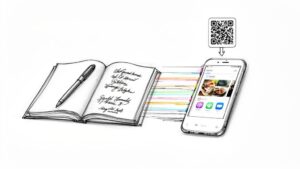
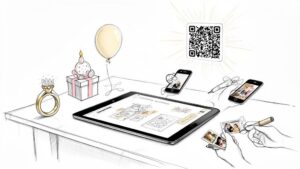
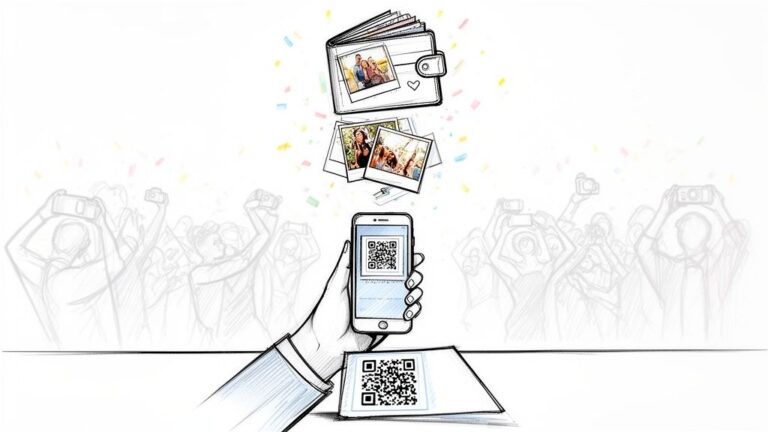
By setting up a shared album with a single, scannable QR code, you instantly turn every guest into a co-photographer. They capture the event from their unique perspective, adding a rich, authentic layer to your collection that one person could never achieve alone. It's not just about getting more pictures; it's about building a complete story of your celebration, told through the eyes of everyone who was there.
The Modern Way to Gather Memories
This shift toward instant, collaborative memory-making is bigger than just one party. The global photo-sharing market is projected to hit a massive $15 billion in 2025, with an expected 15% compound annual growth rate (CAGR) through 2033. This explosion is driven by smartphones in every pocket and our collective desire for immediate, visual connections, especially during life's biggest moments.
For couples planning a wedding or parents throwing that epic 18th birthday bash, platforms like Wishgram tap directly into this trend. They let guests add photos and videos with a simple QR code scan—no app download required. You can find more insights on the photo-sharing market to see just how fast this space is growing.
This simple change transforms photo collection from a chore into a fun, interactive part of the event itself.
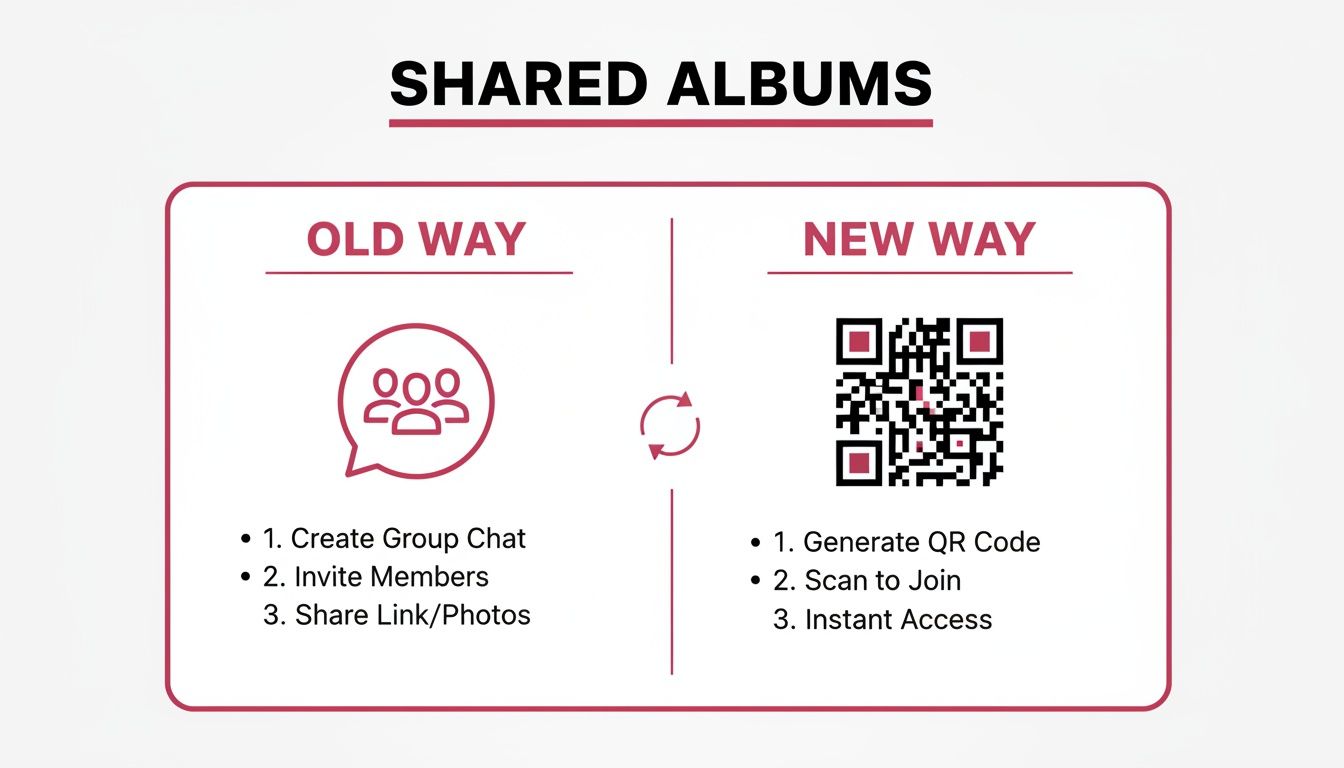
Here's a quick comparison showing why a dedicated shared album outperforms older methods for event photo collection.
Shared Albums vs Traditional Photo Sharing Methods
| Feature | Shared Album (QR Code) | Social Media Hashtag | Group Chat / Email |
|---|---|---|---|
| Ease of Access | Instant scan, no app or login needed. | Requires a social media account and searching the tag. | Requires being added to a group or knowing the email address. |
| Photo Quality | Uploads in high resolution. | Often compressed by the social media platform. | Compressed by messaging apps; email has attachment limits. |
| Privacy Control | Private, invite-only album. You control who sees photos. | Public by default, anyone can see or use your photos. | Limited privacy, anyone in the group can download/share. |
| Video Collection | Easily handles video uploads alongside photos. | Limited video length or not supported on all platforms. | Difficult to send large video files. |
| Organization | All photos and videos in one central, organized gallery. | Photos are scattered across a feed, mixed with other posts. | Buried in a long, messy thread of conversations. |
| Guest Participation | High, because it's so easy and immediate. | Lower, as many guests forget or don't use social media. | Low, as people often forget to send photos later. |
| Final Keepsake | Simple to download all files or create a photo book. | Difficult to download all photos in high quality. | Tedious to save each photo individually. |
As you can see, a dedicated system is built for one purpose: to make collecting and enjoying your memories as seamless as possible.
By simplifying the process, you remove the two biggest barriers to getting guest photos: the awkwardness of having to ask and the inevitable "I'll send them later" that never actually happens.
An accessible system is the key. It’s what turns a scattered handful of pictures into a truly comprehensive collection of your event’s most precious moments.
Dialing in Your Album for Maximum Fun
Setting up your shared album is more than a quick formality; it’s your chance to create a digital space that feels like a natural part of the party. The choices you make here directly impact how many photos you'll get. A little thought goes a long way.
First things first, give your album a name that pops. Something like "Jenna's Sweet 16 Blowout" or "The Miller Wedding Weekend" feels personal and gets people excited. Then, write a welcome message that sounds like you. Forget "Upload your photos here." Try something warmer: "Welcome! Help us capture all the fun from tonight. Scan, snap, and share your favorite moments—we can't wait to see the party through your eyes!" It's a small touch that sets a friendly, "we're all in this together" tone.
Making It Your Own
To make the album truly feel like your event, play with the customization settings. With tools like Wishgram, you can easily change the color scheme to match your decorations or invitations. This creates a polished, seamless experience for your guests, rather than making them feel like they're using some random, clunky app.
Here are a few small tweaks that make a huge difference:
- Color Coordination: Match the album's background and buttons to your event's color palette.
- Custom QR Code: Don't settle for a generic black-and-white square. Design a QR code with your event colors and maybe even a small monogram. A well-designed QR code for your event not only looks better but also gets more scans.
- Cover Photo: Upload a great shot of the guest of honor or a stylish graphic that ties into your theme.
These details show you’ve put effort into the experience, which subtly encourages guests to contribute. It transforms the album from a simple photo dump into a fun, interactive part of the celebration.
Setting the Ground Rules
Privacy and timing are two make-or-break settings for getting great photos. First, always set your album to private. Your guests need to feel comfortable sharing candid, silly, and heartfelt moments without worrying they'll end up plastered all over the internet. An invite-only or password-protected gallery gives everyone that crucial peace of mind.
Second, be strategic about when you close the album for submissions. A huge mistake is shutting it down the minute the party ends. Some of the best photos trickle in the next day as people are scrolling through their camera rolls over coffee.
Pro Tip: Keep your album open for photo submissions for at least one week after your event. This simple change can easily double the number of photos you collect. You'll get all the great shots from the after-party or the next-day brunch that you would have otherwise missed.
By getting these settings right from the start, you're not just creating a photo album—you're building an engaging, secure, and successful memory-collecting machine for your event.
Getting Guests to Actually Share Their Photos
You've done all the prep work. You’ve set up the perfect shared album that matches your event’s vibe. Now for the most important part: getting your guests to actually fill it with memories. Just having a QR code lying around isn't going to cut it. You have to make sharing photos feel like a natural, fun, and unmissable part of the celebration.
The secret? Weave it into the event itself. Don't treat photo sharing like some last-minute task. Instead, make it part of the experience from the very beginning. A little bit of smart communication and clever placement can be the difference between a sad, empty gallery and a goldmine of candid shots.
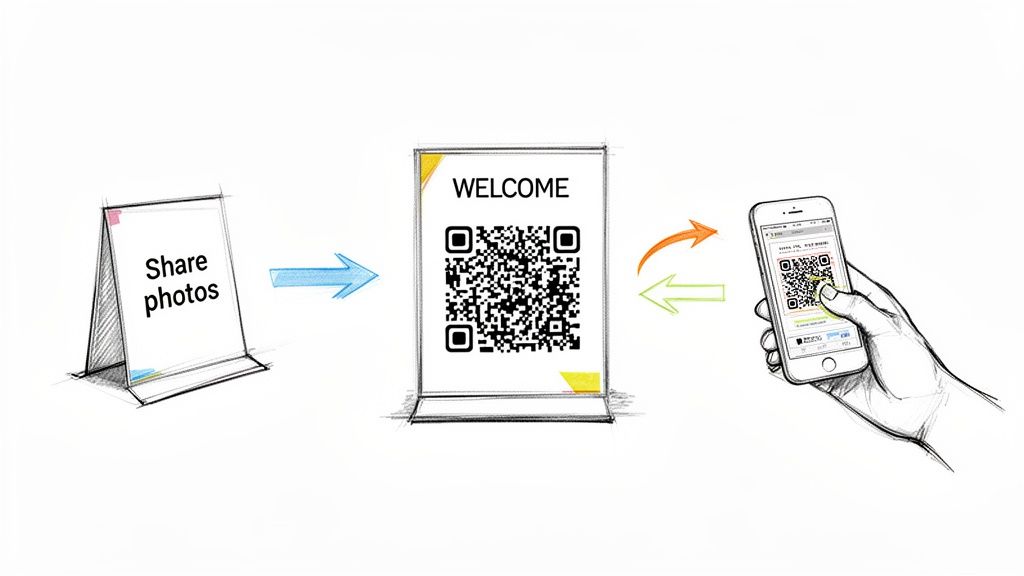
Weave Sharing into Your Event's Story
Start planting the seed long before the party starts. When you send out invites or post reminders on social media, slip in a friendly note about the album. This gets people thinking about it early and genuinely excited to contribute.
Feel free to adapt these copy-paste examples:
- For Invitations: "Help us capture every moment! We'll have a special QR code at the party for you to share your photos and videos directly with us. No apps needed!"
- For Social Media Posts: "Get your cameras ready! We're creating a shared photo album for the big day, and we want to see the celebration through your eyes. Keep an eye out for the QR code to upload your favorite shots."
- For a Welcome Email: "Can't wait to see you on Saturday! P.S. We’ve set up a private gallery to collect everyone's photos. It’s super easy—just scan and share!"
This early heads-up makes photo sharing feel like a fun group activity, not a chore.
The number one mistake I see is hosts waiting until the end of the night to mention the photo album. By then, everyone is tired and ready to go home. Make your first announcement early, maybe during the welcome speech, to get the ball rolling while the energy is still high.
Master the Art of QR Code Placement
Where you put your QR codes will make or break your collection efforts. Think about high-traffic spots and places where people naturally have their phones out. You want scanning the code to be an effortless impulse.
Here are a few high-impact locations that always work:
- On Every Dinner Table: This is non-negotiable. Design small, stylish cards that match your decor and place them next to the menu or centerpiece.
- At the Bar: People waiting for a drink are a captive audience. A sign right on the bar is incredibly effective.
- On the Welcome Sign: Make it one of the first things guests see when they walk in.
- In the Restroom: It might sound a little strange, but a small, classy framed sign by the mirror is a game-changer. People check their phones and their reflection there anyway.
Choosing the right platform is especially crucial for weddings. If you're exploring options, you can check out this helpful guide on the best wedding photo sharing apps that make QR code sharing a breeze. By making access simple and impossible to miss, you remove the biggest roadblock to getting those priceless candid shots.
Curating Your Collection of Candid Moments
The last song has played, the final guests have headed home, and now your shared photo album is lighting up with notifications. This is the moment you've been waiting for—the chance to see your event through everyone else's eyes. It’s time to switch hats from host to curator and start turning that wonderful, chaotic stream of guest photos into a polished, cohesive story.
First things first, jump into your gallery dashboard. If you're using a platform like Wishgram, every single photo and video your guests uploaded is waiting for you in one central, easy-to-manage space. Your first pass is all about cleanup. You’ll inevitably find some duplicates, a few blurry shots, and maybe twenty photos of the same centerpiece. Hide those and start highlighting the true gems—the shots brimming with pure emotion, like a belly laugh during a speech or the unbridled joy on the dance floor.
Polishing Your Event’s Visual Legacy
As you sort through everything, remember you're not just deleting bad photos; you're shaping a narrative. This is your chance to arrange the moments to tell the best possible story. You could group all the hilarious dance-off videos together for a good laugh or organize the photos chronologically to follow the day from the first toast to the final farewell.
Don't forget to look at the messages your guests left with their photos. These little notes often add a layer of context and warmth that transforms a simple picture into a treasured memory. In your Wishgram dashboard, these captions appear right alongside the images, making sure those personal touches become a permanent part of the final keepsake.
The demand for simple ways to create shared photo album collections is exploding. In fact, the photo-sharing market is on track to hit $5.67 billion in 2025 and is projected to grow to $7.66 billion by 2034. This surge is fueled by people just like you who want to effortlessly pool memories from weddings, anniversaries, and milestone birthdays. You can learn more about the trends shaping the photo-sharing market to see just how big this is getting.
From Digital Gallery to Downloaded Treasure
Once your gallery is curated to perfection, the final step is locking down your collection for good. One of the biggest reliefs of using a dedicated service is completely avoiding the nightmare of individually saving low-quality, compressed images from a messy group chat.
The most satisfying click you'll make is the 'Download All' button. With one simple action, every single high-resolution photo and video from your event saves directly to your computer. No compression, no weird watermarks—just the original, pristine files.
Honestly, this feature is a total game-changer. It means you have complete ownership and control over your event's visual legacy. No more chasing down friends for their pictures weeks later. You now have a complete, high-quality archive ready to be shared, printed, or transformed into a beautiful photo book you can flip through for years to come.
Turning Your Digital Album into a Physical Keepsake
The party's over, the last guest has gone home, and your digital gallery is overflowing with amazing, high-resolution memories. Now for the best part: turning those digital moments into a real, tangible keepsake you can hold in your hands and pass down for years to come. A digital slideshow is great for sharing with faraway friends, but a physical photo book transforms your collection of memories into a true family heirloom.
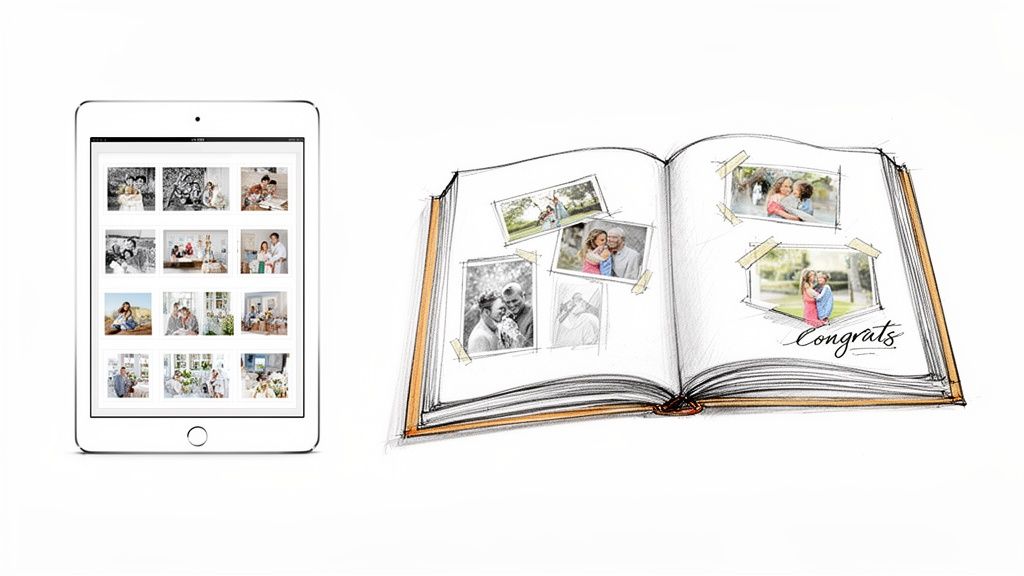
This isn't just about printing photos; it’s about crafting a narrative of your special day. There's a reason the global market for photo albums was valued at $3.42 billion in 2024 and is projected to hit $4.95 billion by 2032. People crave a lasting way to preserve their most important moments. You can see the full breakdown in this photo album market research.
Designing Your Perfect Photo Book
Think of yourself as the storyteller of your event. Creating a compelling photo book is an art form that goes way beyond chronological order. You're arranging scenes to bring back all the emotion and nostalgia of the day.
Start by picking your "hero" shots. These are the big moments—the wedding vows, blowing out the birthday candles, a tearful hug between old friends. These images are the anchors of your story, so sprinkle them throughout the book to guide the narrative.
Next, it's time to weave in the candid shots and guest messages. A photo of your friends roaring with laughter on the dance floor is great, but it becomes priceless when paired with the heartfelt note they left. This is where a tool like Wishgram really helps, as it automatically pairs submitted messages with photos. This makes it a breeze to drop those personal touches right into your book's design.
Pro Tip: Try creating "story spreads." Dedicate a full two-page spread to a single moment, like the speeches. Use one big, impactful photo and surround it with smaller candids of guest reactions and the lovely messages they shared. It gives you this rich, multi-perspective view of one cherished memory.
Choosing the Right Photos for Your Story
Facing a folder with hundreds (or thousands!) of photos can feel a little daunting. The trick is to focus on variety and emotion, not technical perfection. Honestly, a slightly blurry photo that captures a genuine, gut-busting laugh is worth so much more than a perfectly posed but lifeless shot.
Here’s a simple way to think about your selection process:
- Emotion: Go for the photos that show pure joy, laughter, happy tears, and real connection. These are the heart and soul of your book.
- Action: Look for dynamic shots from the dance floor, any games you played, or other activities that bring the energy of the event to life.
- Details: Don't forget the little things! The custom decorations, the cake, the funny signage—these details help paint the full picture.
- People: Make sure you've got a good mix of photos featuring all your important guests, not just the stars of the show.
When you thoughtfully curate and design your photo book, you create shared photo album that’s so much more than a pile of pictures. It becomes a beautiful storybook of your celebration. If you want to explore this idea further, our guide on what is a memory book is packed with more ideas for creating a keepsake that will last a lifetime.
Common Questions About Shared Photo Albums
Even with the best plans in place, a few questions always pop up when you're setting up a shared album for the first time. Getting these sorted out ahead of time is the key to a smooth, stress-free night for you and your guests.
Here are the honest, no-fluff answers to the questions we hear the most from hosts just like you.
Do My Guests Need to Install an App to Upload Photos?
Absolutely not, and frankly, that’s one of the best parts. Guests just scan the QR code with their phone's camera, and it instantly opens a private upload page right in their web browser.
There are no apps to download, no accounts to create, no passwords to forget. It’s a simple, one-step process that makes it incredibly easy for everyone to join in, no matter how tech-savvy they are. Removing that little bit of friction is the secret to getting way more photos.
How Can I Encourage Older Relatives to Participate?
For guests who might be a little less comfortable with new technology, making it feel approachable is everything. A bit of clear instruction and a personal touch can work wonders.
Here are a few tricks that we’ve seen work time and time again:
- Make the Instructions Obvious: Place printed cards on tables with large, easy-to-read text. Think big and simple: "1. Open Camera. 2. Point at Code. 3. Share a Photo!"
- Use a Human Touch: Ask the DJ, emcee, or a confident family member to make a quick, friendly announcement explaining how easy it is. A personal recommendation always beats a sign.
- Show, Don't Just Tell: This is the big one. Personally walking one or two older relatives through the process creates a ripple effect. They often become the "experts" at their table, helping others join the fun.
A little guidance is all it takes to make sure everyone feels included.
Can I Control Who Sees the Photos My Guests Upload?
Yes, you have total control. When you create shared photo album with a service like Wishgram, your gallery is private by default. Only people you've shared the unique link or QR code with can access it.
You get to have complete peace of mind. Most platforms also offer a moderation feature, letting you review and approve every photo and video before it goes live in the main gallery. This is your safety net, ensuring no blurry thumb pictures or inappropriate shots spoil the collection.
This control gives your guests the confidence to share all their best candid moments freely.
What Happens to the Photos After My Event Ends?
Your memories are kept safe and sound, long after the last song plays. Platforms typically store every submitted photo and video in its original, high-resolution quality for at least a year.
This gives you plenty of breathing room. You can take your time going through all the amazing shots, download everything with a single click, and design your perfect keepsake without feeling rushed. Your memories will be right there waiting for you.
Ready to create a beautiful, collaborative story of your next event? With Wishgram, you can effortlessly collect photos, videos, and messages from all your guests using a simple QR code. No app downloads, no hassle—just pure, authentic memories saved in one place. Start your Wishgram memory book today!