
Your wedding day is a whirlwind of unforgettable moments, from the heartfelt vows to the spontaneous dance-offs. While your professional photographer captures the main events beautifully, your guests are snapping hundreds of candid, personal memories on their phones. But how do you collect all those precious shots without the hassle of chasing down friends and family for weeks? This is where the best wedding photo sharing apps come in, solving the modern challenge of gathering scattered digital memories.
These specialized platforms make it effortless for everyone to contribute to a single, private gallery. They create a complete, multi-perspective story of your celebration by centralizing every photo and video taken by your loved ones. Forget navigating confusing social media hashtags or bugging relatives for their pictures. With a dedicated app, you and your guests can easily upload, view, and relive the day from every angle.
In this comprehensive guide, we'll dive into the top platforms available, breaking down exactly what they offer. We’ll compare key features, ease of use, and unique benefits to help you find the perfect solution for preserving your memories forever. We will explore everything from simple QR code systems that require no app downloads to professional-grade galleries, ensuring you find the right fit for your tech-savvy (and not-so-savvy) guests. Each option includes screenshots and direct links to help you make an informed decision. Get ready to turn a chaotic collection of guest photos into a beautifully organized digital keepsake you'll treasure for a lifetime.
1. Wishgram
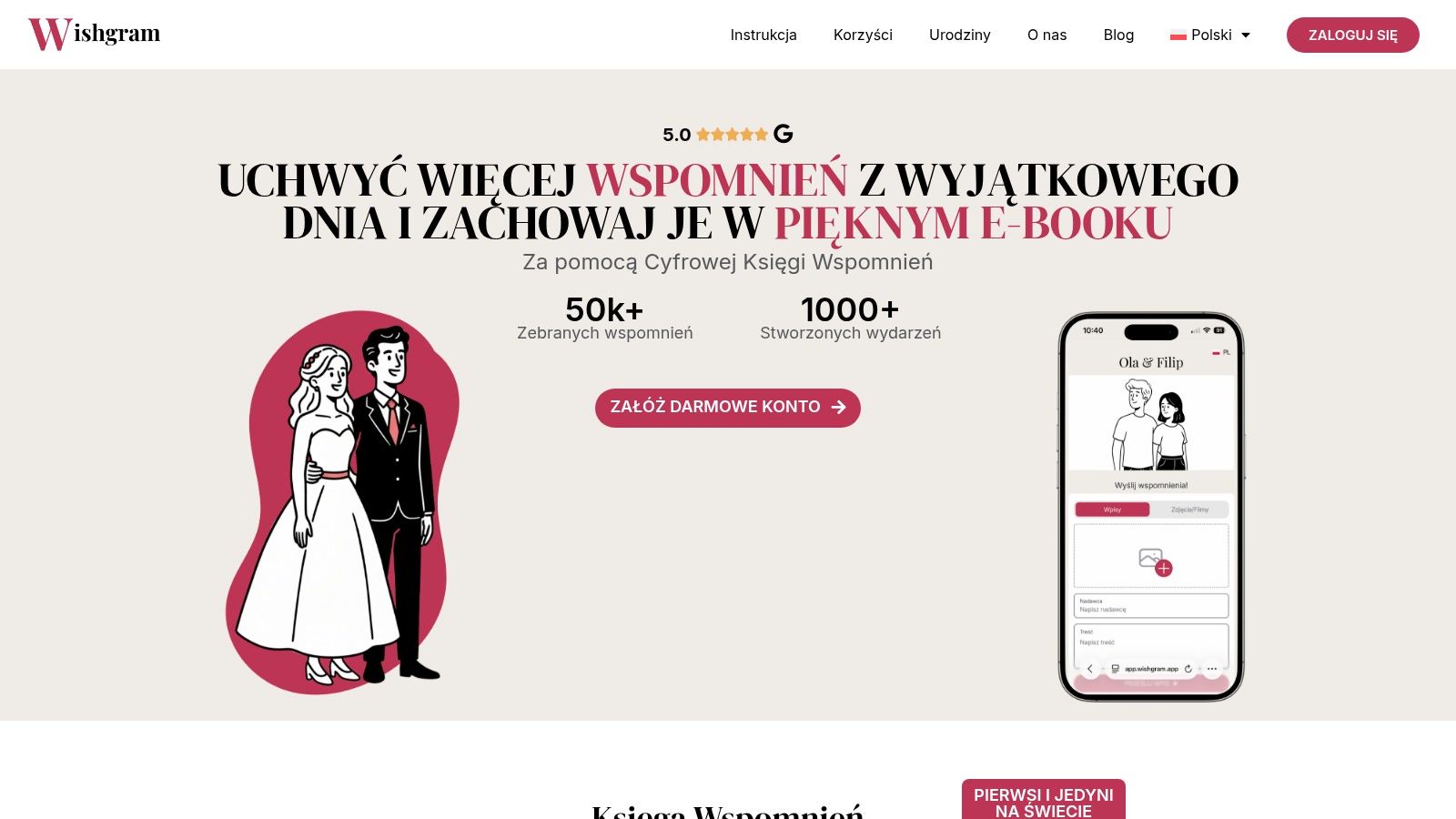
Wishgram positions itself as a standout choice among the best wedding photo sharing apps by uniquely blending guest photo collection with a beautifully crafted digital memory book. Instead of just a simple gallery, it creates a cohesive, shareable keepsake that captures the candid moments and heartfelt messages from your celebration. The entire experience is driven by a simple QR code, eliminating the need for guests to download yet another app, a common point of friction at events.
Guests scan a code with their smartphones and are instantly taken to a browser-based portal where they can upload photos, record short videos, and write personalized wishes. This no-install approach ensures maximum participation from guests of all ages and technical abilities. The process is intuitive, immediate, and designed to capture memories as they happen.
Key Features and Capabilities
Wishgram excels with a feature set that prioritizes simplicity for guests and creative control for the couple.
- QR-Code Simplicity: The core of Wishgram is its effortless, app-free submission process. You receive a customizable QR card to print and display at your venue, making it incredibly easy for guests to contribute.
- Unlimited, High-Quality Submissions: There are no limits on the number of photos, videos, or messages your guests can upload. Crucially, all files are stored in their original quality, ensuring your memories are preserved without compression.
- The Digital Memory Book (E-book): This is Wishgram’s signature feature. All guest contributions are automatically compiled into a stunning, interactive e-book. You can customize the colors, layout, and even the language displayed to guests, creating a polished final product that tells the story of your day. For more insights on this modern approach, you can learn more about the benefits of a digital guest book on Wishgram's blog.
- Optional Hardcover Photo Book: For those who cherish a physical keepsake, Wishgram offers a high-quality hardcover photo book. This can be ordered directly through the platform, transforming your digital gallery into a timeless coffee-table album.
- User-Friendly Dashboard: From the organizer's dashboard, you can preview all submissions, manage the gallery, customize your e-book, and download all files with a single click. The interface is clean, intuitive, and built for ease of use.
- Multilingual Support: The guest-facing interface supports multiple languages, including English, Polish, German, and Ukrainian, making it a great option for international weddings.
Pricing and Availability
Wishgram offers a straightforward pricing model. The main package, which includes the digital platform, unlimited uploads, the customizable e-book, and 12 months of file access, is priced at 299.00 zł. The optional hardcover photo book is available for an additional 209.99 zł. Since prices are listed in Polish Złoty (PLN), couples outside of Poland will need to account for currency conversion.
Practical Tips for Using Wishgram
To get the most out of Wishgram, display the QR code in multiple high-traffic areas at your wedding: on tables, at the bar, and near the entrance. You can even ask your DJ or MC to make a quick announcement encouraging guests to scan the code and share their favorite moments. This proactive approach ensures a rich collection of memories for your digital book.
| Feature Analysis | Wishgram's Approach |
|---|---|
| Guest Participation | Excellent. No app download required; QR code leads to a simple browser interface for instant uploads. |
| Storage & Quality | Excellent. Unlimited uploads with all photos and videos stored in their original, uncompressed quality. |
| Final Product | Unique. Creates a customizable, shareable e-book and offers a premium hardcover photo book. |
| Ease of Setup | Excellent. Simple account creation, QR code generation, and an intuitive dashboard for management. |
| Long-Term Access | Good. Provides 12 months of online access with a one-click option to download all original files for local archiving. |
Pros:
- No app needed for guests, ensuring high participation
- Unlimited photos, videos, and messages in original quality
- Creates a unique, polished e-book and optional hardcover album
- Simple setup and user-friendly management dashboard
- Multilingual support for international events
Cons:
- Online access to files is limited to 12 months post-event
- Pricing in PLN may require currency conversion for international users
Website: https://wishgram.app
2. Google Photos
Google Photos stands out as a powerful and familiar option for couples seeking a straightforward way to centralize wedding memories. Leveraging an ecosystem that many guests already use, it minimizes the learning curve and eliminates the need for new app installations, making it one of the most accessible best wedding photo sharing apps available. Its core strength lies in its shared album feature, which acts as a collaborative hub where you and your guests can contribute photos and videos.
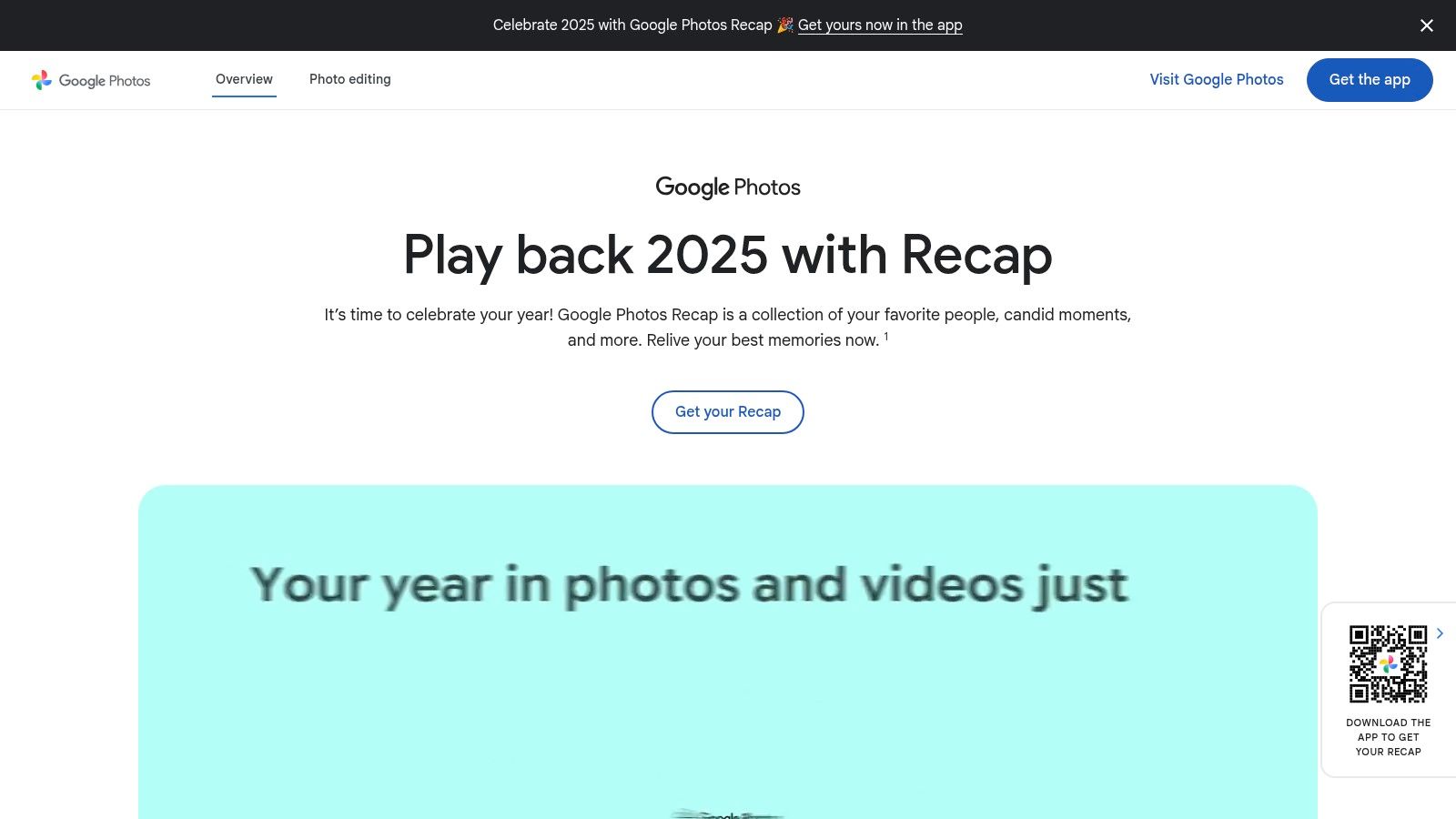
The platform is designed for ease of use across both mobile and desktop, ensuring everyone can participate regardless of their device. The interface is clean and intuitive, making navigation and uploading a simple process. Recent updates, like the ability to share albums via a QR code, significantly enhance the on-site experience at your wedding, allowing guests to join and start uploading with a quick scan.
Key Features and User Experience
Google Photos offers a robust set of features that are well-suited for a wedding event. The platform’s cross-device functionality and deep integration with the Google ecosystem are major advantages.
- Shared Albums: Create a central album and invite guests via email or a shareable link. Turn on collaboration to allow anyone with the link to add their photos and videos.
- QR Code Sharing: Simplify the joining process at your reception. Guests can scan a QR code displayed on tables or screens to instantly access and contribute to the wedding album.
- "Updates" Feed: Stay informed with a dedicated feed that shows recent activity, such as new photos added or comments made, ensuring you don't miss any new memories.
- Familiar Interface: Since many guests likely already have a Google account for Gmail or Android, the user experience is instantly recognizable and requires little to no instruction. For those without an account, creating one is a quick, free process.
Pro Tip: To manage contributions effectively, periodically review the album and organize photos. You can also turn off the "collaborate" feature after a set period, like a few weeks post-wedding, to finalize the album.
Pricing and Storage
Google Photos operates on a freemium model tied to your overall Google account storage. Every Google account comes with 15 GB of free storage, which is pooled across Photos, Gmail, and Drive. For a large wedding with many high-resolution photos and videos, this may not be sufficient.
However, upgrading is affordable through Google One plans, which offer more storage that can be shared with family members. This makes it a cost-effective solution compared to some specialized apps. For more insights on how to leverage this platform, you can learn more about collecting guest photos with Google Photos.
Pros and Cons
| Pros | Cons |
|---|---|
| High Adoption Rate: Most guests already have a Google account. | Broad Controls: Link-based sharing can be less secure than invite-only. |
| No Additional App Needed: Guests use an app they are familiar with. | Storage Limits: Free 15 GB tier may fill up quickly with video and photos. |
| Cross-Platform: Works seamlessly on web, iOS, and Android devices. | No Wedding-Specific Features: Lacks themes, templates, or guestbook options. |
| Cost-Effective: Free to start with affordable paid Google One upgrades. | Privacy Concerns: Album settings must be carefully managed to avoid oversharing. |
Website: https://photos.google.com
3. Guestpix
Guestpix is a purpose-built platform designed specifically for events like weddings, offering a streamlined and guest-friendly approach to photo collection. It stands out by eliminating the need for guests to download an app or create an account, making it one of the most frictionless best wedding photo sharing apps for on-the-day participation. The service is centered around a browser-based upload system activated by a simple QR code, ensuring that even the least tech-savvy guests can contribute their photos effortlessly.
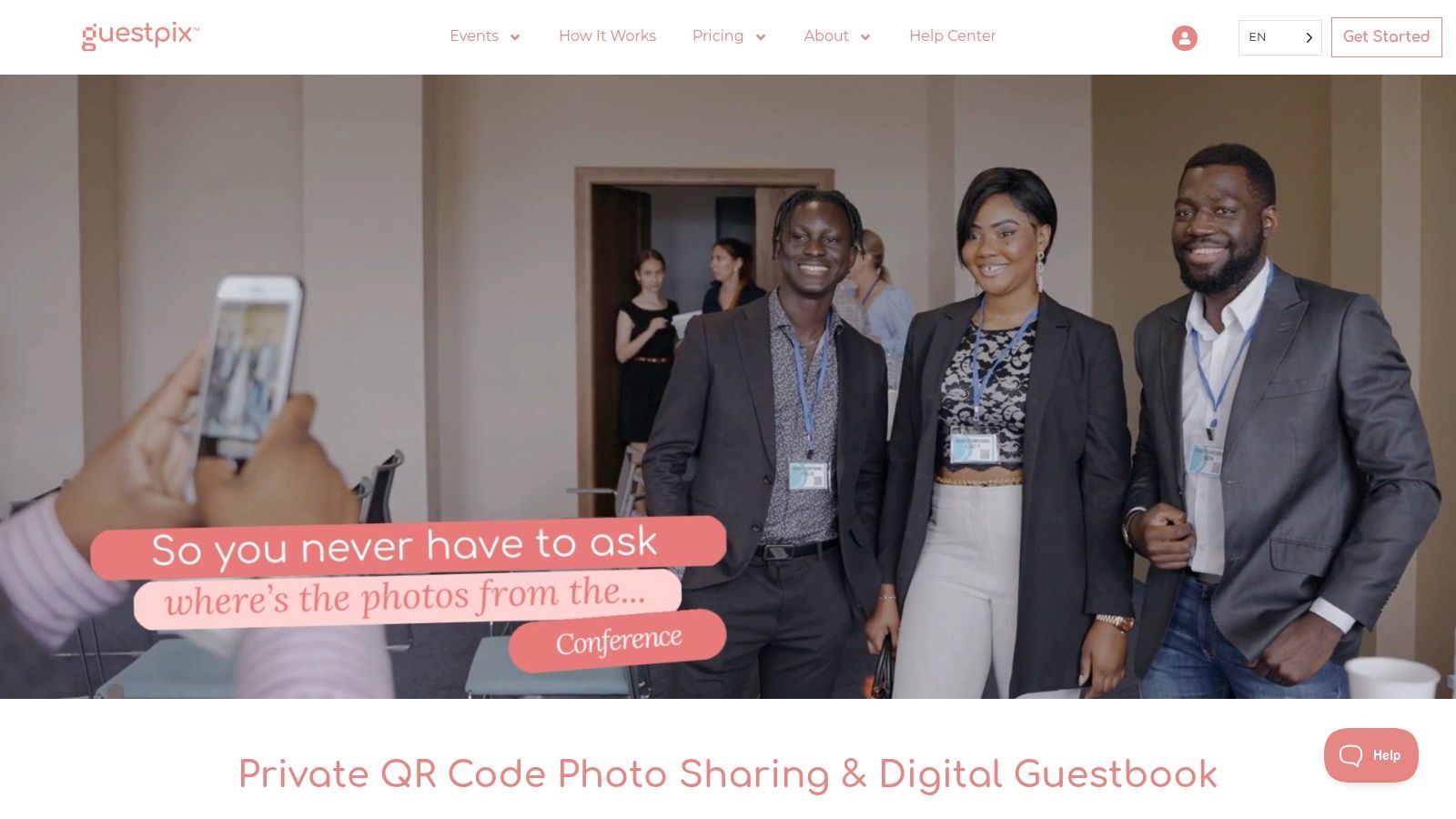
The platform is designed for event-specific use, focusing on capturing memories during the celebration and providing easy access afterward. With features like live slideshows and simple bulk downloads, Guestpix solves the immediate need for a central photo hub without asking for a long-term commitment from the couple or their guests. This dedicated event focus makes the user experience clean, intuitive, and highly effective for the wedding day itself.
Key Features and User Experience
Guestpix tailors its features to the unique needs of a wedding, prioritizing ease of access and simplicity over a complex, permanent storage solution. Its web-based nature is a significant advantage for encouraging widespread guest participation.
- No App Required: Guests simply scan a QR code with their phone's camera to open a private upload page in their browser. This removes a major barrier to entry.
- Live Slideshows: Photos and videos uploaded by guests can be displayed in real-time on a screen at your reception, creating an engaging and interactive experience.
- Bulk Downloads: After the event, the couple can download all the contributed photos and videos in a single ZIP file, making it easy to save and archive the collection.
- Event-Specific Packages: The platform offers packages designed for single-day or multi-day events (like a wedding weekend), with clear caps on the number of guest uploads.
Pro Tip: Print your event's unique QR code on table cards, cocktail napkins, or a large sign near the entrance. Remind your DJ or MC to announce it, encouraging guests to scan and share their moments throughout the celebration.
Pricing and Storage
Guestpix operates on a one-time fee model per event, which is a refreshing alternative to recurring subscriptions. Pricing is transparent and based on the package you choose, which typically dictates the number of guest uploads and the duration of the hosting.
Album packages generally include 12 months of hosting for your gallery, which is ample time to collect, view, and download all your memories. This event-focused pricing makes it a predictable and budget-friendly choice. For more ideas on how to use QR codes effectively at your wedding, you can find inspiration by reading about wedding QR code strategies.
Pros and Cons
| Pros | Cons |
|---|---|
| Extremely Easy for Guests: No app or account needed, just a QR scan. | Limited Hosting Window: Hosting beyond the included 12 months may require add-ons. |
| Designed for Events: Features like live slideshows enhance the day. | Not a Permanent Archive: Focused on event collection rather than long-term storage. |
| Transparent One-Time Pricing: No hidden fees or subscriptions. | Fewer Collaboration Features: Lacks commenting or social-style interaction. |
| Simple, Focused Interface: Clean and easy for both hosts and guests. | Upload Limits on Some Plans: Cheaper plans may have caps on the number of photos. |
Website: https://guestpix.com
4. Wedbox
Wedbox is a dedicated wedding photo and video collection app designed specifically for the big day, offering a streamlined experience for both couples and guests. Unlike general photo-sharing platforms, its features are tailored to the unique needs of a wedding event. It centralizes content from guests, photographers, and even a "photo booth" mode into a single, cohesive album, making it one of the most purpose-built best wedding photo sharing apps on the market.
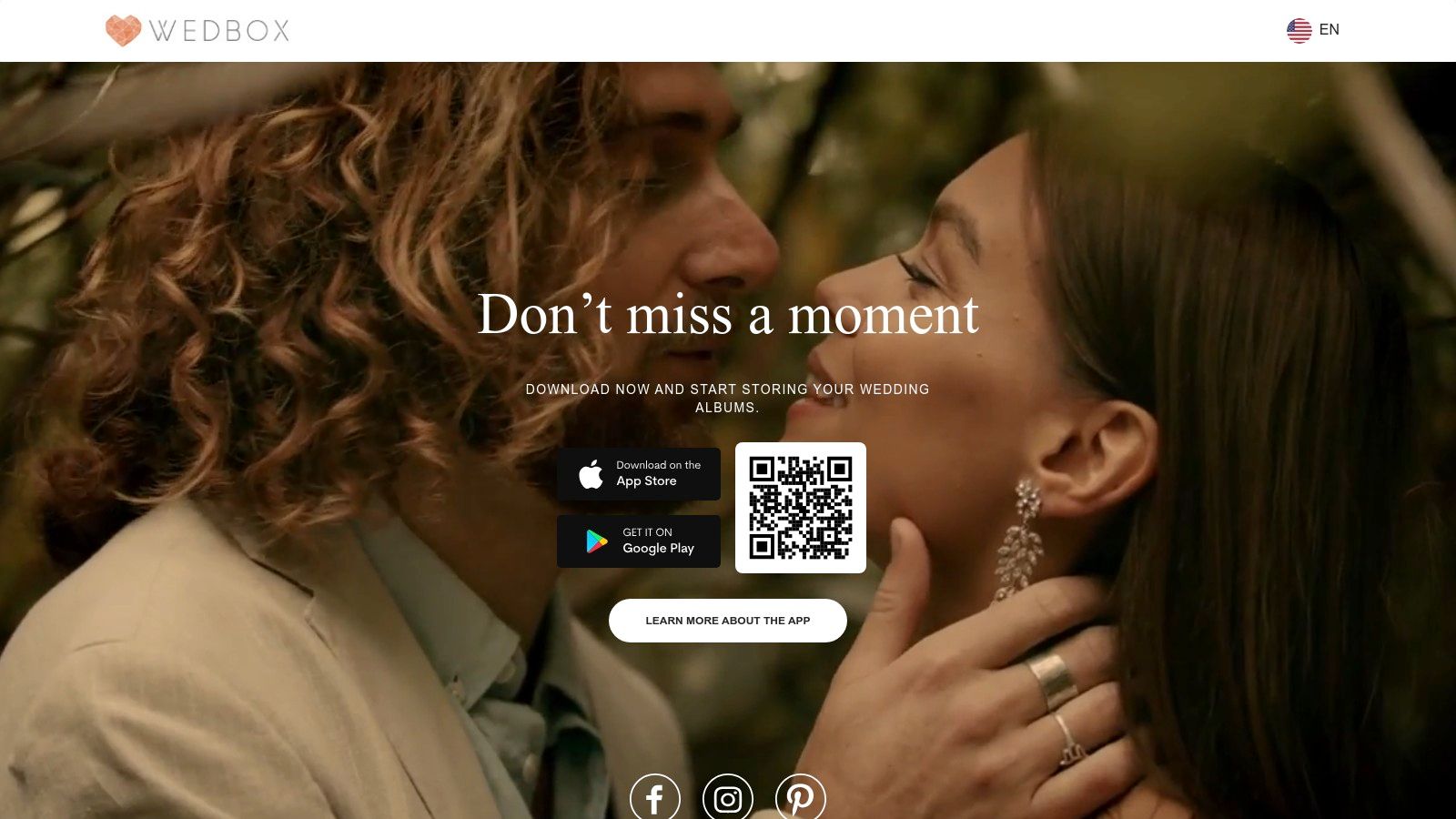
The platform operates through native iOS and Android apps, as well as a web viewer, ensuring accessibility for all attendees. Guests can join a private wedding album quickly using a unique code or QR scan, which eliminates friction and encourages participation. The interface is clean and event-focused, guiding users to upload their photos and videos with minimal effort, and it even supports multiple languages for international weddings.
Key Features and User Experience
Wedbox delivers a focused toolset that prioritizes ease of use and centralizing all wedding-related media. Its native app approach provides a reliable and fast uploading experience for guests on their mobile devices.
- Centralized Collection: Consolidates uploads from guests, your professional photographer, and a dedicated photo booth mode into one organized space.
- Simple Guest Access: Guests can join via a unique wedding code or by scanning a QR code, bypassing the need for complex invitations or account setups.
- Native App Performance: Dedicated iOS and Android apps offer a smoother and more reliable user experience compared to web-only solutions, especially for uploading large videos.
- Multi-Language Support: The user interface is available in multiple languages, making it an excellent choice for international weddings with a diverse guest list.
Pro Tip: To maximize guest participation, create small "instruction cards" with the wedding code and QR code to place on reception tables. This reminds guests to share their snaps throughout the event.
Pricing and Storage
Wedbox offers a free plan that is great for collecting and viewing photos during and immediately after the wedding. The free version allows unlimited photo and video uploads (including long videos) and hosts the content for two months. To download photos in their original high quality or extend the hosting period, you will need to purchase one of their affordable paid packages.
This model allows you to use the service for free to gather memories and then decide later if you want to pay for premium features like permanent storage and original-quality downloads. This flexibility makes it a low-risk, high-reward option.
Pros and Cons
| Pros | Cons |
|---|---|
| Wedding-Focused UX: Features are specifically designed for weddings. | Limited Free Hosting: Free tier only hosts the album for two months. |
| Low-Friction Joining: Easy access for guests via code or QR code. | Paid for Quality: Downloading original, full-quality files requires payment. |
| Centralizes All Media: Combines guest, pro, and photo booth pics. | App Download Required: Best experience requires guests to install the app. |
| Cost-Effective Packages: Affordable options for downloads and hosting. | Less Familiar to Guests: Not as universally known as Google Photos or Instagram. |
Website: https://wedbox.com
5. PhotoCircle
PhotoCircle excels at creating private, intimate sharing spaces, making it a fantastic choice for couples who prioritize privacy and a controlled environment. The platform is built around the concept of "Circles," which are invite-only group albums for photos and videos. This structure is ideal for containing wedding memories within a select group of friends and family, positioning it as one of the best wedding photo sharing apps for those who value discretion.
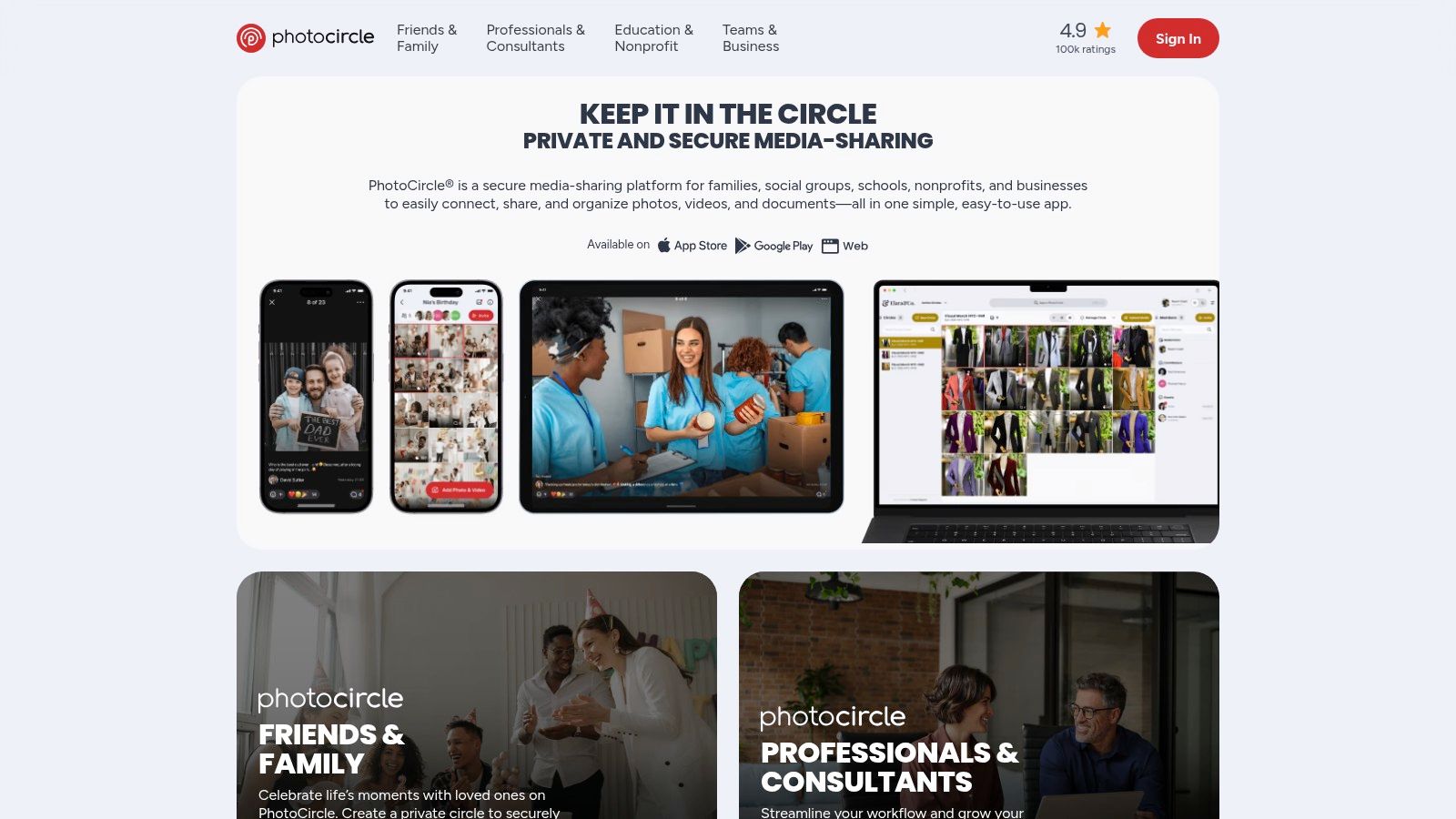
The app is praised for its simplicity and user-friendly interface on iOS, Android, and the web, ensuring that even less tech-savvy guests can participate without friction. Guests can join a Circle via a simple link or by scanning a QR code, immediately gaining the ability to upload their own photos and videos from the celebration. This ease of access combined with its strong privacy controls makes it a reliable and secure option.
Key Features and User Experience
PhotoCircle is designed for effortless group collaboration, focusing on a core set of features that work exceptionally well for events like weddings. Its closed-loop sharing system ensures that your moments stay with your chosen guests.
- Private Circles: Create secure, invite-only albums for your wedding. You control exactly who can view and contribute content, ensuring your photos are not publicly accessible.
- Easy Guest Onboarding: Invite guests to your Circle with a shareable link or a QR code that can be displayed at your venue, making the joining process quick and seamless.
- Photo and Video Support: Guests can upload both photos and videos, capturing all the dynamic moments of your celebration, from the ceremony to the dance floor.
- Premium Upgrades: The app offers in-app purchases for PhotoCircle+ or Premium, which unlock an ad-free experience, higher resolution media, longer video uploads, and enhanced administrative tools for the album owner.
Pro Tip: Create separate Circles for different wedding-related events, such as the bridal shower, rehearsal dinner, and the main wedding day. This keeps photos organized and makes it easier for guests from specific events to share and view relevant memories.
Pricing and Storage
PhotoCircle operates on a freemium model. The free version is fully functional for creating private Circles and sharing standard-quality photos, but it is supported by ads. For an enhanced experience, users can upgrade within the app.
The PhotoCircle+ and Premium plans are offered as subscriptions that remove ads, increase photo and video quality, allow for longer video uploads, and provide more robust admin controls. While specific pricing is managed within the app stores, these upgrades provide a clear path for couples wanting a more professional and feature-rich experience for their event.
Pros and Cons
| Pros | Cons |
|---|---|
| Excellent Privacy Controls: Invite-only Circles keep your memories secure. | App-Focused Pricing: Detailed pricing is found within the app, not on the main website. |
| Very User-Friendly: Simple interface makes it easy for all guests to use. | Advanced Features Require a Plan: Higher quality and an ad-free experience require an upgrade. |
| Multi-Event Organization: Ideal for creating separate albums for different events. | App Installation Needed: Guests must download the app to contribute on mobile. |
| QR Code and Link Invites: Low-friction process for guests to join the album. | Fewer Wedding-Specific Themes: More of a general private sharing app than a wedding-themed one. |
Website: https://www.photocircleapp.com
6. Cluster
Cluster offers a refreshing, privacy-focused approach to photo sharing, positioning itself as a members-only album for events. It functions like a private social network for your wedding, ensuring that only invited guests can view, comment on, and contribute photos. This makes it one of the best wedding photo sharing apps for couples who prioritize a secure, intimate environment free from the noise and data concerns of public social media platforms.
The platform is built around the concept of "spaces," which are essentially private, collaborative albums. You create a space for your wedding, send out invitations, and guests can then join via the mobile app or web browser to upload their memories. Its strength lies in simplicity and control, providing a dedicated hub for your wedding content without any extraneous features.
Key Features and User Experience
Cluster's user experience is centered on straightforward, private group collaboration. The interface is clean and easy to navigate, making it accessible even for less tech-savvy guests.
- Private, Invite-Only Groups: Create secure "spaces" where only members you invite can participate. This ensures your wedding photos remain completely private and are only shared with your chosen circle.
- Cross-Platform Access: Guests can contribute and view photos from anywhere using the dedicated iOS and Android apps or through any web browser on a desktop, offering great flexibility.
- Activity Feed and Notifications: A simple activity feed keeps everyone in the group updated on new photos and comments, fostering a sense of community around the shared memories.
- Multi-Event Use: The platform's design is not limited to a single day, making it ideal for sharing photos from the engagement party, bridal shower, and the wedding day all within one organized space.
Pro Tip: Create your Cluster space well in advance and use it for pre-wedding events like the bachelor/bachelorette party or rehearsal dinner. This gets guests familiar with the platform and builds a comprehensive visual story of your entire wedding journey.
Pricing and Storage
Cluster is free to download and use for creating private spaces and inviting members. The core functionality for photo sharing is available without a subscription. The business model includes optional in-app purchases or subscriptions for potential premium features, though these are not prominently advertised on their website. For most wedding photo sharing needs, the free version is entirely sufficient.
The emphasis is on providing a straightforward service without complex pricing tiers, making it an accessible option for couples on a budget who prioritize privacy over advanced wedding-specific tools.
Pros and Cons
| Pros | Cons |
|---|---|
| Excellent Privacy Controls: Invite-only access creates a secure space. | Requires App Installation: Best experience is via the mobile app, which some guests may not want to download. |
| Simple and Clean Interface: Easy for guests of all ages to use. | No Wedding-Specific Features: Lacks tools like QR codes, themes, or slideshow creators. |
| Multi-Event Functionality: Great for ongoing sharing beyond the wedding. | Unclear Pricing Model: In-app purchase model is less transparent than web-based plans. |
| Ad-Free Experience: Focuses on content without distracting advertisements. | Smaller User Base: Less familiar to guests compared to platforms like Google or Facebook. |
Website: https://cluster.co
7. SmugMug
SmugMug positions itself as a professional-grade photo hosting platform, offering a sophisticated and polished solution for couples who prioritize high-quality galleries and robust controls. While often associated with professional photographers, its guest upload feature makes it a powerful contender among the best wedding photo sharing apps, especially for those wanting to integrate guest photos seamlessly into a professionally curated final album. The platform excels at creating beautiful, permanent online galleries that feel more like a digital art exhibit than a simple photo dump.
The core appeal for weddings is the ability to create a specific, often password-protected gallery and then generate a unique upload link for guests. Attendees can contribute their snapshots directly into this curated space without needing an account. This gives you, the couple, ultimate control over presentation, security, and even monetization, as SmugMug offers integrated print sales and fulfillment services.
Key Features and User Experience
SmugMug is built for photographers, which means its features are powerful, though potentially more complex than a dedicated, casual event app. The platform provides unmatched control over your final wedding gallery.
- Guest Upload Links: Create a gallery and share a specific link that allows anyone to upload photos directly into it, without giving them editing or management access.
- Professional Gallery Presentation: Galleries are highly customizable, ad-free, and designed to showcase photos beautifully on any device, ensuring a high-end viewing experience.
- Unlimited Storage: All paid plans come with unlimited, full-resolution photo and video storage, so you never have to worry about running out of space.
- Advanced Features: For couples working closely with their photographer, SmugMug offers Lightroom integration, custom branding, and a storefront for selling prints and photo products.
Pro Tip: Set up a specific "Wedding Guest Photos" gallery and password-protect it. Share the direct guest upload link and the gallery password with your guests via your wedding website or a small card at the reception to keep contributions organized and secure.
Pricing and Storage
SmugMug is a premium, subscription-based service and does not offer a free tier. Its plans are structured to provide unlimited storage and an expanding set of professional features.
The cost is higher than consumer-grade services, but it reflects the professional-level features, security, and unlimited, full-resolution storage. The "Power" plan is typically sufficient for a couple's needs, offering the core guest upload functionality and customization options.
Pros and Cons
| Pros | Cons |
|---|---|
| Unlimited Full-Resolution Storage: Never worry about space or quality. | No Free Plan: Requires a paid subscription to use any of its features. |
| Powerful Gallery Controls: High level of security and customization. | Steeper Learning Curve: More complex than simple, event-focused apps. |
| Professional Presentation: Creates stunning, ad-free online galleries. | Not a Casual Event App: The interface is geared towards portfolio management. |
| Integrates Pro and Guest Photos: Combine official and guest shots easily. | Overkill for Simple Needs: May have too many features for a basic photo collection. |
Website: https://www.smugmug.com
Top 7 Wedding Photo Sharing Apps Comparison
| Product | Setup complexity 🔄 | Resource & cost ⚡ | Expected quality / outcomes ⭐ | Ideal use cases 📊 | Key advantage / Tip 💡 |
|---|---|---|---|---|---|
| Wishgram | Low — quick account + QR, browser-based | Paid package (299 zł), optional print (209.99 zł); 12‑month hosting | High — original-quality files, customizable e‑book, unlimited submissions | One-off celebrations (weddings, birthdays) and pro events needing a keepsake | Effortless guest contributions and polished e‑book — download archives before 12 months |
| Google Photos | Very low — uses Google accounts, shared albums or links | Free start; uses Google storage; upgrade via Google One | Good — reliable storage & collaboration, not event‑bespoke | Casual wedding collections or groups already using Google | Ubiquitous and low friction — adjust sharing settings to control collaboration |
| Guestpix | Low — event QR and browser uploads | One-time event fees; typically includes 12‑month hosting | Good — event galleries, slideshows, ZIP exports | Single-event or multi-day weddings with clear per-event pricing | Transparent per-event pricing and event-focused features — renew for long-term hosting |
| Wedbox | Low — apps + web; join via code/QR | Free tier limited retention; paid for originals/extended hosting | Good — wedding-focused UX, supports multiple upload sources | Weddings consolidating guest, photographer, and photo‑booth uploads | Unified uploads across sources — purchase package for original-quality downloads |
| PhotoCircle | Low — invite-only Circles via link/QR | Free base; in‑app upgrades for ad‑free and higher quality | Good — private, controlled group sharing | Private family/events, schools, multi-event weekends | Strong privacy and simple group management — upgrade for moderation/tools |
| Cluster | Low — member-only groups, cross-platform | Free core; optional in‑app subscriptions/IAPs | Good — ongoing private sharing beyond a single event | Extended family albums and multi-event wedding weekends | Private, long-term alternative to social media — less wedding-specific tooling |
| SmugMug | Medium — pro-focused setup and controls | Paid subscription required for full features; unlimited storage on paid plans | Very high — polished pro galleries, print fulfillment, Lightroom integration | Photographers, formal event galleries, archival/permanent hosting | Pro-grade gallery controls and print sales — budget for subscription and learning curve |
Making Your Final Choice: From Digital Gallery to Timeless Keepsake
Navigating the landscape of the best wedding photo sharing apps can feel like one more decision in a sea of wedding planning choices. However, selecting the right platform is more than just a logistical task; it's about choosing how you'll collect, relive, and preserve the candid, heartfelt moments that professional photographers might miss. As we've explored options from the seamless, no-install experience of Wishgram to the familiar ecosystem of Google Photos and the dedicated app environments of Wedbox and PhotoCircle, a clear theme has emerged: the best solution is the one that aligns perfectly with your wedding's unique needs and your guests' comfort levels.
Your final decision hinges on a few critical questions. Do you want an experience that is completely frictionless for every guest, regardless of their tech-savviness? Or is your guest list primarily composed of smartphone power users who won't mind downloading a new app? Are you looking for a simple digital repository, or do you dream of a beautifully curated, tangible keepsake that transforms those digital files into a cherished family heirloom?
Your Action Plan: Three Steps to the Perfect Choice
Making a confident decision doesn't have to be complicated. By breaking it down into actionable steps, you can move from analysis to implementation with ease, ensuring you have a reliable system in place long before the first guest arrives.
-
Assess Your Guest Experience Priority: Your guests are your photographers. Their ability and willingness to participate will directly impact the number of photos you collect.
- For Maximum Participation: Prioritize a no-app, QR-code-based solution like Wishgram. This eliminates the number one barrier to entry: forcing guests to visit an app store, download software, and create an account. It’s an "in-the-moment" solution that captures photos without interrupting the celebration.
- For a Tech-Savvy Crowd: If you know your guests are comfortable with apps, platforms like Guestpix or PhotoCircle offer robust features within a dedicated application. Just be prepared to communicate the instructions clearly and perhaps offer a quick tutorial for less technical relatives.
-
Define Your "After the Wedding" Goal: What do you want to do with the photos once they're collected? The answer to this will significantly narrow your options.
- If you want a tangible keepsake: Look for a service with integrated, high-quality printing options. Wishgram's automatic creation of a shareable e-book and a professionally designed physical photo book is a standout feature. This saves you countless hours of post-wedding design work. SmugMug also offers powerful printing and gallery-selling features, though it's geared more toward professional use.
- If you just need a digital archive: A straightforward solution like Google Photos or Cluster might be sufficient. These are excellent for creating shared digital albums that guests can contribute to and view, but they often require more manual effort to turn into a physical product.
-
Evaluate Privacy and Longevity: Your wedding photos are precious and private. Don't overlook the terms of service and storage policies.
- Check the Fine Print: How long will your photos be stored? Who owns the content you and your guests upload? Ensure the platform you choose offers clear privacy controls, allowing you to decide exactly who sees your album.
- Consider Download Options: Can you easily download all the photos in their original, high-resolution format? A service that locks you into its ecosystem without providing an easy way to back up your memories locally is a significant risk.
Ultimately, the goal is to create a comprehensive and authentic chronicle of your day. The best wedding photo sharing apps don't just collect files; they gather stories. They capture the tearful glance from a grandparent, the unrestrained laughter during the speeches, and the spontaneous dance-offs that define your celebration. By choosing a tool that makes contributing effortless, you empower every guest to add a page to your story, creating a richer, more complete memory than you ever thought possible.
Ready to capture every moment without asking your guests to download a thing? Wishgram transforms your wedding photos into a beautiful, collaborative keepsake book with a simple QR code scan. See how easy it is to create your timeless memory at Wishgram.