
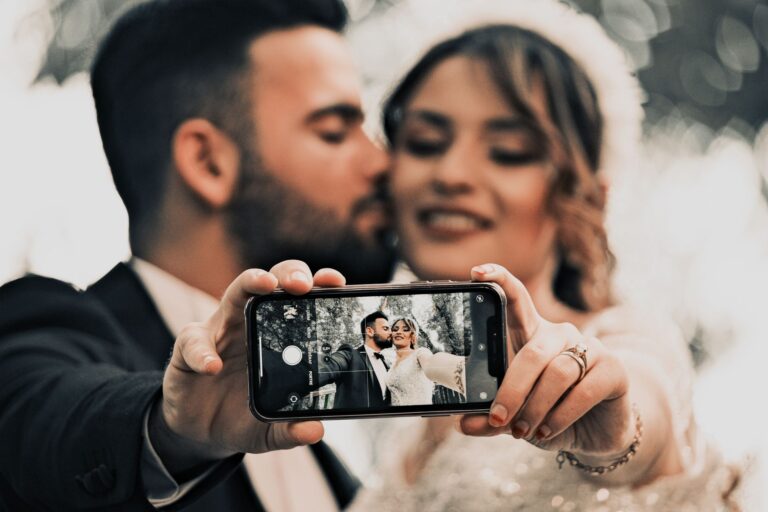
One question from a guest can trigger a whole avalanche of others: “What time is the ceremony?”, “How do we get there?”, “Is there accommodation?”, “Where do we confirm attendance?”. Instead of resending the same links and screenshots for the hundredth time, it’s worth giving everyone one elegant place with all the information — available instantly on their phone.
If you’re wondering where to create a wedding website, look for a solution that won’t turn your preparations into yet another project to manage. The free Wishgram wedding website lets you build one quickly, edit it even from your phone, and share it with guests via a link or QR code. They don’t need to install anything or create an account — they simply open the page and know where to be, when to arrive, and what to expect.
And once the wedding day is over, that same page can become the start of a keepsake you’ll want to come back to far more often than a message thread in a group chat.
What should you look for when choosing a place to build your wedding website?

A free plan with no card and no hidden limits
A “free website” often turns out to be free only until you want to add a map, your own photos, or invite more guests. This is one of the most commonly overlooked details when choosing a builder. Before you create an account, check whether the free plan is actually complete: does it include all the sections you need, style customization, page publishing, and an unlimited number of recipients?
If you’re wondering where to create a wedding website, it’s worth starting with a solution that doesn’t require a card or push the couple into paying right before sending the link to guests. On Wishgram, the wedding website is completely free, with no trial period and no guest limit. You can change the colors, turn selected modules on, and update the content as your wedding plans take their final shape.
Paid wedding website builders and ready-made templates may suit couples looking for a very specific aesthetic, but their pricing tends to be split between a subscription, a domain, and add-ons. A clear, free model leaves budget for what actually happens on the wedding day.
A page that’s convenient for guests on their phones
A guest shouldn’t have to install an app, create an account, or dig through a Messenger group just to check the ceremony time. In practice, most people will open the wedding website in passing, on their phone screen. That’s why a mobile view isn’t an extra. It’s the foundation.
A good website has a simple link and a QR code that can be placed on the invitation, an info card, or a message to guests. Once the code is scanned, the information should appear instantly in the browser. That’s how the free Wishgram wedding website works: guests don’t download anything or register, and the couple can edit the content from their phone too. Changing the coach departure time or adding a note about parking doesn’t require opening a laptop.
This is especially important for international weddings. The fewer technical barriers there are, the greater the chance the website will actually be used by everyone — not just the most tech-savvy part of the family.
Information that genuinely takes the load off the couple
A wedding website should solve recurring questions, not just be a pretty showcase. “What time does the ceremony start?”, “Is there parking on site?”, “How do we get to the venue?”, “Is there a vegetarian option?” — individual messages are harmless, but a dozen similar conversations can take up a whole evening.
The most useful elements are:
- the date, time, and exact location of the ceremony and reception;
- an interactive map with a one-click navigation button;
- a day schedule, from the ceremony to the after-party or return transport;
- an FAQ and practical information about accommodation, parking, children, or dress code;
- the menu, including dietary labels, and a short story of the couple for guests who want to get to know you better.
On Wishgram, you can turn on each of these sections only when it’s needed. Before the wedding, the website organizes communication, and on the day of the event it can naturally lead guests to a digital memory book, from which an e-book or photo book is later created. It’s a more coherent setup than several separate tools for the same preparations.
Wishgram — where to create a free wedding website and build a memory book
What do you get for free on Wishgram?
A wedding website doesn’t have to be another expense in a budget where every line item keeps growing. If you’re wondering where to create a wedding website, Wishgram is a practical choice: the full version of the page is free, with no trial period, no hidden fees, no card details required, and no guest limit.
You can turn on only the sections you actually need, and match the look and content to the character of your celebration. The page can include a welcome section with a photo, date, and wedding countdown, the story of your relationship, ceremony and reception details, a schedule, a gallery, an FAQ, a menu, or a directions map with navigation. This isn’t a stripped-down free template — it’s a ready-made information hub for your guests.
How to create a wedding website in three steps?
Launching a website doesn’t require design skills or experience with website builders. Just create a free account at app.wishgram.app and go through a simple process:
- Create your event and fill in the basic details, such as your names, the date, and the wedding venue.
- Turn on the sections you want, add your own content and photos, and set colors that match your wedding theme.
- Share the finished page via a link or QR code, for example on the invitation, an info insert, or in a message to loved ones.
The guest opens the page in their phone’s or computer’s browser. They don’t install an app or create an account, which matters especially when you’re inviting people of different ages or living abroad.
Editing the page from your phone before the wedding
Wedding plans rarely stay the same from the first draft to the day of the celebration. That’s why on Wishgram, the page content and settings can be updated from your phone, and changes are visible as soon as they’re saved. There’s no need to open a laptop, export a new file version, or resend all the information again.
This comes in handy in very specific situations: when the transport time changes, you want to clarify parking, add an answer to the FAQ, or update the schedule with a later reception. The link stays the same, so guests always land on the current version.
One account before, during, and after the wedding
The free wedding website solves the communication problem before the event. On the wedding day, the same account can power the paid Wishgram digital memory book for 199 PLN. Guests scan the QR code and, without installing any app, upload photos, short videos, and signed messages.
After the wedding, the collected materials come together into a downloadable e-book, and optionally a printed photo book as well. That’s clearly more than just an information page, and a more convenient alternative to a paper guest book with an Instax camera or photo booth. Paid wedding website builders may cover the first part of the task, but Wishgram combines it with a keepsake that stays with you for years.
What sections should a good wedding website have?
A good wedding website isn’t just an online decoration for the invitation. It should save the couple dozens of messages like “what time does the ceremony start?”, “where do I park?”, and “can I bring a plus one?”. The best layout guides the guest from the most important facts to the details that help them prepare for the wedding day.
A welcome section with the date, place, and countdown
The first screen should answer three questions within seconds: who’s getting married, when, and where. A full-screen photo of the couple, names, date, and location create a clear welcome, and a short motto can add a personal touch. A countdown showing days, hours, minutes, and seconds until the celebration isn’t essential, but it builds anticipation nicely — especially when the link to the page reaches guests several months in advance.
On the free Wishgram wedding website, it’s worth treating this block like the cover of the whole event: choose one clear photo and don’t overload it with text. The details will follow below.
Ceremony, reception, and a map with navigation
An address without a map can be surprisingly unhelpful, especially when the ceremony and the reception take place in different locations. For each location, give the time, the full address, and a short tip, for example: “entrance from the garden side” or “please arrive 20 minutes early.”
An interactive map and a one-click navigation button are more convenient than sending pins in a string of messages. The guest opens the page on their phone, picks a route, and doesn’t have to type anything in. It’s a small detail that noticeably reduces the number of late arrivals and phone calls on the wedding day.
Schedule, FAQ, and practical information
The schedule doesn’t need to describe every single minute. It’s enough to mark the key moments: the ceremony, dinner, first dance, cake, or after-party. This way, guests know what to expect, and those arriving later can plan their day more easily.
The FAQ is the place for the questions that tend to come up most often:
- what the dress code is,
- where to park and whether there’s transport,
- whether accommodation is available,
- the deadline for confirming attendance,
- whether a plus one is allowed,
- gift preferences and contact details for the wedding day.
If you’re wondering where to create a wedding website, pay attention to exactly this — how easy it is to edit this information. On Wishgram, you can turn on only the sections you need and update them from your phone, with changes visible to guests right away.
Your story, gallery, menu, and introducing important people
Organizational details matter most, but it’s the personal elements that make a page memorable. A “Your Story” timeline can show your first meeting, the engagement, and a few important shared moments — briefly, without turning it into a dozen-screen diary. A photo gallery and an introduction to the couple and the wedding party help guests feel the atmosphere even before the celebration.
It’s also worth adding a menu, especially if vegetarian, vegan, or children’s options are planned. Such a page works as an information hub before the wedding, and afterward it can naturally lead into the Wishgram digital memory book, where photos, videos, and messages turn into an e-book or photo book.
Wishgram compared to other ways of building a wedding website
Wishgram — a free wedding website combined with a guest book
A wedding website only makes sense if guests actually use it — before the wedding, not just afterward. Wishgram stands out precisely for this continuity: you build a free page with the date, place, schedule, map, FAQ, or the couple’s story, and then share it via a link or QR code. Guests open it in their browser, with no app and no registration.
After the wedding, the same ecosystem can serve as a digital memory book. For 199 PLN, the couple launches the collection of photos, short videos, and messages, which are then turned into a personalized e-book; a printed photo book can optionally be ordered as well. That’s the key difference between a plain information site and a tool that helps preserve the wedding day.
Wix and Squarespace — universal builders with more design freedom
Wix and Squarespace are a good choice for couples who want to design almost from scratch: build out subpages, create an unusual layout, or set up a site that goes beyond the needs of a single event. That freedom comes at a cost, though — mainly time. You have to choose a template, learn the editor, and make sure yourself that the mobile version is legible.
In practice, making full use of your own domain and premium features usually means a paid plan. If the question is: where to create a wedding website quickly, without a card and without learning a general-purpose builder, Wishgram is the more direct answer. Wix and Squarespace remain alternatives for those whose priority is an individual design rather than simplicity of wedding organization.
Zankyou and The Knot — wedding portals with planning features
Zankyou and The Knot are wedding portals that combine the couple’s page with a broader world of inspiration, gift registries, and event planning. They may suit couples who specifically want that kind of extensive ecosystem. Before choosing, though, it’s worth checking whether the features you’re interested in work in Poland, what language the interface is available in, and whether the solution fits local customs and vendors.
Wishgram takes a simpler approach: concrete information for guests, editing from your phone, and sharing via a single link. The page also works well for international weddings, since the guest interface is available in Polish, English, German, and Ukrainian.
When is Wishgram the simplest choice?
Wishgram is worth choosing when you don’t want to build a “small website,” but simply want to give guests everything important, efficiently. In just a few moments you can publish the date, a location with navigation, a day plan, and answers to practical questions, and make changes even from your phone. The full version of the page is free, with no guest limit and no hidden fee after a trial period.
The biggest benefit comes on the day of the event itself. The same couple who earlier directed guests to the wedding website can later share a QR code to the memory book. Instead of a single entry in a paper guest book, you’re left with photos, videos, and signed messages, gathered into a keepsake for years to come.
How to share your wedding website with guests?
A link on the invitation, in messages, and on social media
Even the nicest wedding website won’t help guests if the link gets lost among dozens of messages. So don’t limit yourself to a single channel. It’s best to treat the page as the central place for information, and every invitation or reminder as a signpost that leads to it.
It’s worth including the link to your Wishgram page on the electronic invitation, in the message sent after handing out paper invitations, and in the event description on Facebook or a family group. When communicating about RSVPs, you can be specific: “You’ll find the full schedule, directions, and answers to the most common questions here.” A message like that tells guests why they should click, instead of just leaving them an address with no context.
If you’re wondering where to create a wedding website, what matters isn’t just how the builder looks, but also how simple it is to share afterward. On Wishgram, guests open the page via a regular link in their browser: no app, no registration, no extra passwords. That matters especially when your guest list includes people of different ages or living abroad.
A QR code that leads straight to the information
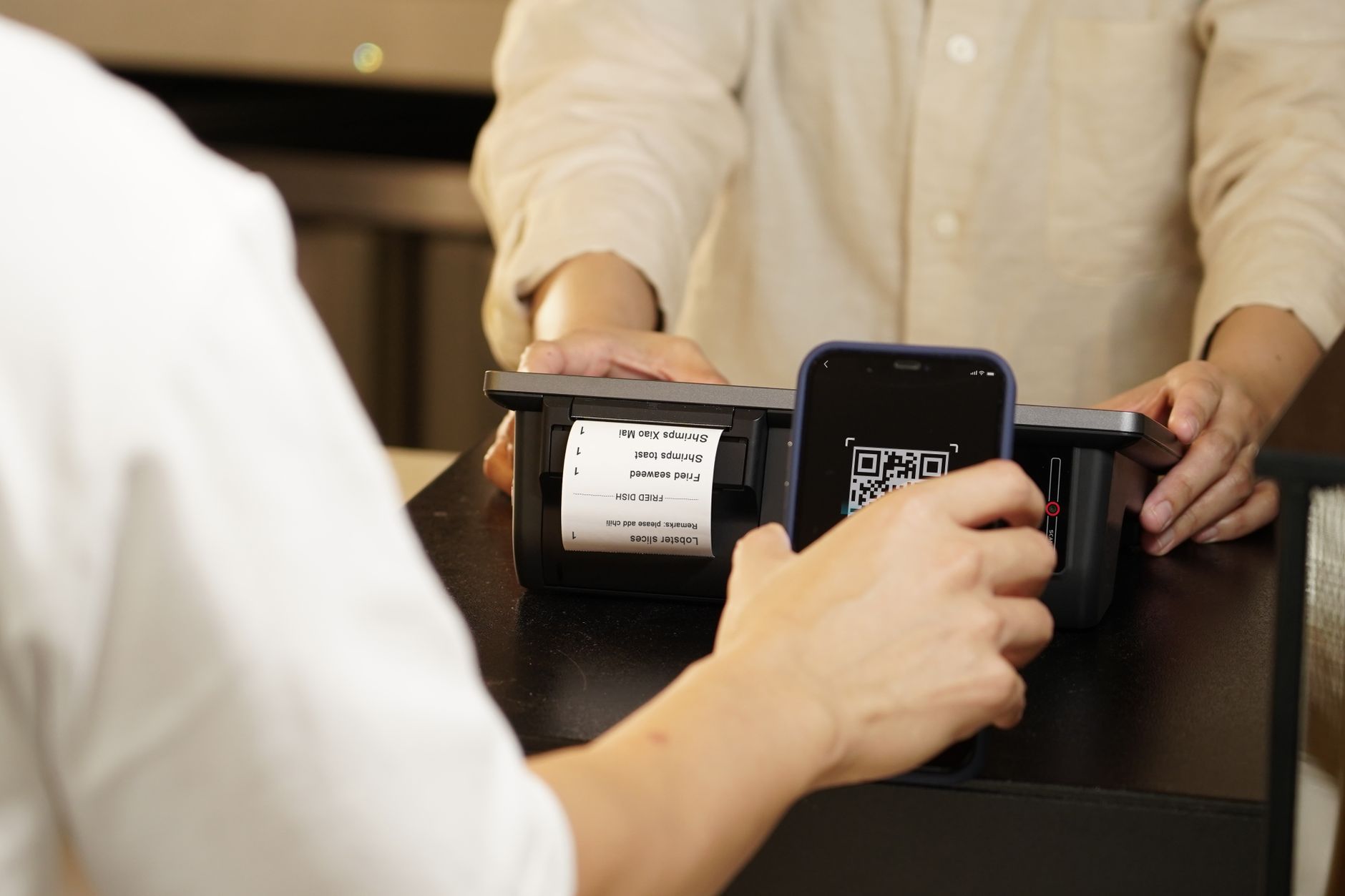
A QR code shortens the path to a single move with the phone. Place it on the invitation, a separate info insert, or an RSVP card. Instead of typing out a long address, the guest scans the code and immediately sees the date, ceremony location, map, and day schedule.
In practice, a short caption under the code works best, for example: “Scan to see the details of our day.” The graphic symbol itself isn’t always obvious to everyone. Before printing, test the code on a few phones and leave free space around it — one that’s too small or squeezed between decorative elements might not scan.
The same code can be placed at the entrance to the reception. That way, latecomers can easily check the evening’s plan, and guests who didn’t keep their invitation can regain access to the information. On the wedding day, it can also lead to the Wishgram digital memory book, where guests add photos, videos, and messages.
When to remind guests about the page?
A single send-out usually isn’t enough. Well-planned reminders are helpful rather than pushy, because they answer questions that come up at different stages of the preparations.
- After sending the invitations: send the link as the source of all the details.
- Before the RSVP deadline: remind guests to confirm attendance and point them to the section with practical information.
- A week before the wedding: send a short message with the map, start time, and schedule.
- When something changes: update the page right away and inform guests with a single message.
The page on Wishgram can be edited from your phone, and changes appear immediately. That’s an advantage over a printed insert: if the transport time, parking address, or ceremony plan changes, you don’t have to send another round of scattered messages.
From wedding website to a keepsake after the wedding
Launch the digital memory book for the wedding day
The wedding website organizes information before the celebration, but it doesn’t replace a guest book. These are two different tasks that work best together: first you give guests the day’s plan, addresses, and directions, and then, on the wedding day, you start collecting what a schedule can never capture — the emotions.
That’s exactly why it’s worth extending the question where to create a wedding website with another one: what happens to the memories after the reception? On Wishgram, the free wedding website can be the starting point for the whole organization. As the wedding approaches, you activate the digital memory book package and get a separate QR code to place at the entrance, on the tables, or by the bar.
The guest scans the code with their phone, then, in a regular browser, adds a photo, a short video greeting, or a signed message. No app to download, no account to create, no password to look for. This detail matters: aunts, grandparents, and guests coming from abroad can join in too, without any technical barrier. The guest interface is available in Polish, English, German, and Ukrainian.
And it’s not just a random collection of files. The digital memory book brings together the image, the words, and the author of the entry. A photo from the dance floor takes on a different meaning when it’s paired with a caption like “Your best man” and a few lines written in the spirit of the celebration. Materials can also be uploaded after the event, so wishes from people who only remember the next day won’t be lost.
Turn your guests’ wishes into an e-book or photo book
After the wedding, all the submitted materials land in the organizer’s gallery in their original quality. This is where Wishgram clearly stands apart from a plain photo gallery: its purpose isn’t just to store files, but to create a finished keepsake.
In the dashboard, you choose the content, layout, and colors of the e-book to match the style of your celebration. The result can be downloaded as a PDF and sent to family via a link, or kept in a private archive. For couples who prefer a keepsake outside the screen, a printed, hardcover photo book is also available.
It’s more practical than a traditional guest book sitting in a drawer for years, and a fuller story than a handful of Instax photos. A paper entry won’t capture a friend’s voice or a recorded toast, and a single print usually won’t preserve the context of the moment. Here, a single wedding can end up as an organized album of photos, videos, and messages — the kind you’ll actually want to revisit.
So the free wedding website helps you invite and inform. The digital memory book, available in the Wishgram package for 199 PLN, lets you hold on to what happened afterward. Together they complete the story: from the first countdown to the wedding, all the way to a keepsake you can open again years later.
One place for information before the wedding and memories afterward
If you’re wondering where to create a wedding website, choose a solution that doesn’t add more costs or technical tasks to your preparation list. On Wishgram, you can build a page for your guests for free, fill it with the most important information, and share the link or QR code even before sending out invitations — no card, no guest limit, and nothing for your guests to install.
When the wedding day arrives, that same space can naturally turn into a digital memory book: your guests’ photos, videos, and messages will later become an elegant e-book or photo book. First, make it easy for guests to reach your big day, then let them help create a keepsake you’ll come back to for years.